Simulator Settings
Empty Simulator
The smallest amount of code to get a simulator up and running is:
demos/docs/settings/00_empty.py
import pyrosim

# create the simulator
sim = pyrosim.Simulator()

# start the simulator
sim.start()

# wait for simulator to finish
sim.wait_to_finish()
This should cause a graphics window to pop up showing the simulated world before closing itself down after 100 time steps (1 second of simulated time, roughly 1 second of real time).
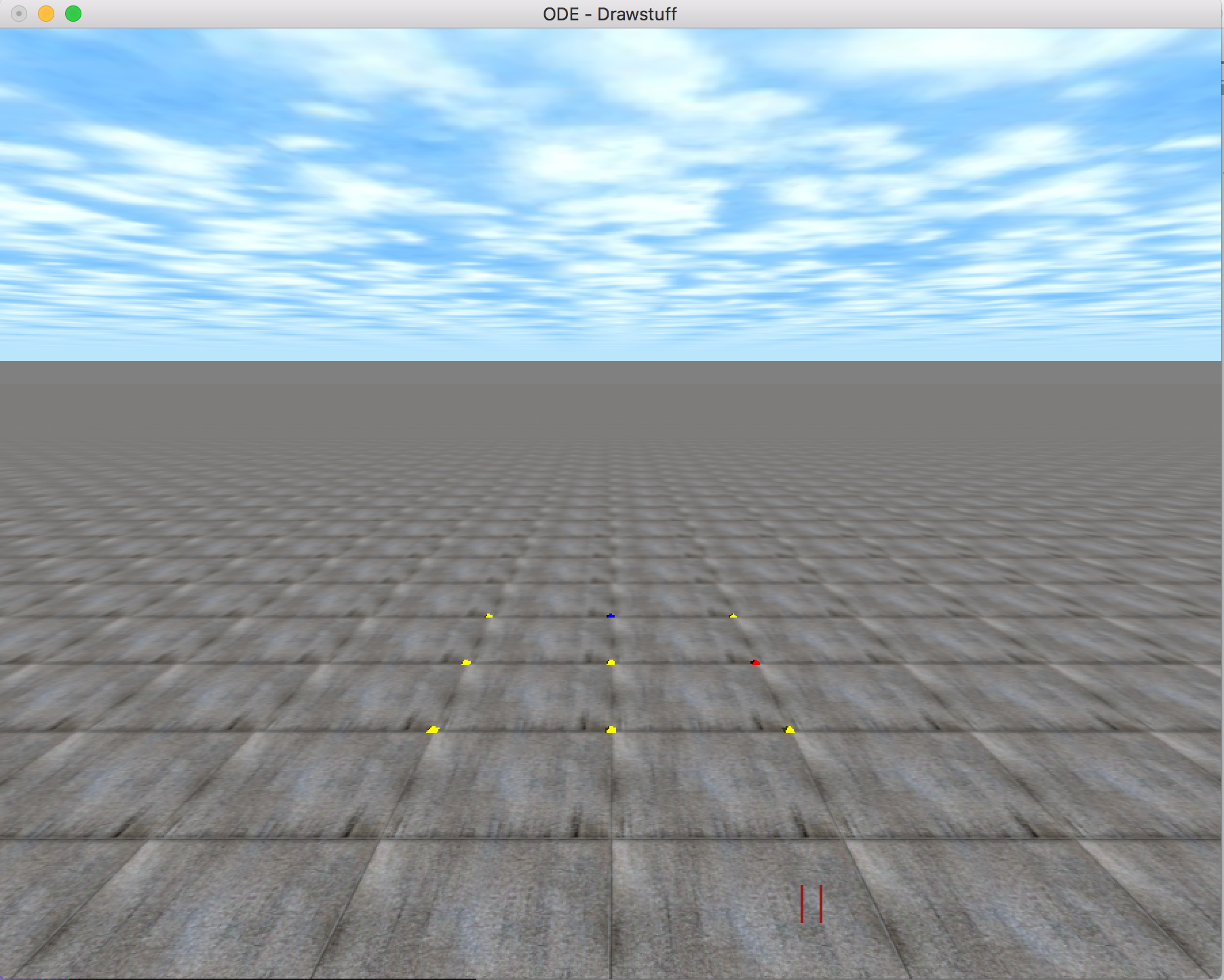
Screenshot of the empty simulator. The camera defaults pointing into the +y direction with +x to the right and +z up.